Slot machine software for gaming halls and slot clubs
Slot machine software from CoolAir gives a hall owner one control panel for running several venues. You create subagents, add the halls that belong to each and configure every subagent in the same place. Financial activity reports, betting reports and logs are available from that same panel. The terminals in your physical halls run either the Linux client or the browser-based Web Slot, so you can pick the format that suits how you prepare your machines.
The starting point differs for a venue that is still on paper and a venue with terminals already on the floor. Naming that difference early saves a round of questions later.
A hall that is still being planned
When the terminals have not been bought yet, the format can shape the hardware list. Suppose, as an illustration, that an owner is fitting out a new room with touchscreen terminals and wants to compare the two formats before ordering anything. The CoolAir team can walk through them with the owner at that stage. Useful numbers at this point are how many terminals the hall will have, which peripherals are planned and in which country the hall will open, since the country is one input for the lobby design of the Linux client.
A hall with terminals already running
An existing installation starts from what is fitted today. Imagine a hall whose terminals already have bill acceptors and printers that the owner wants to keep. The questions there concern those device models and which format is easier to introduce on the current terminals. The equipment list carries more weight than the catalogue.
One owner, two sites
Here is a hypothetical case that combines both situations. An owner runs one hall with working terminals and is preparing a second site that will have new ones. The older hall raises device questions: which printer and bill acceptor models stay. The new site raises format and game questions, since nothing has been bought. Administration is a question for both, because each site becomes a hall in the control panel under a subagent.
Facts shared by the whole group, such as the country, the preferred lobby look and the wish for a test, can be sent once. Equipment details are sent per site.
Slot machine games for physical halls and terminals
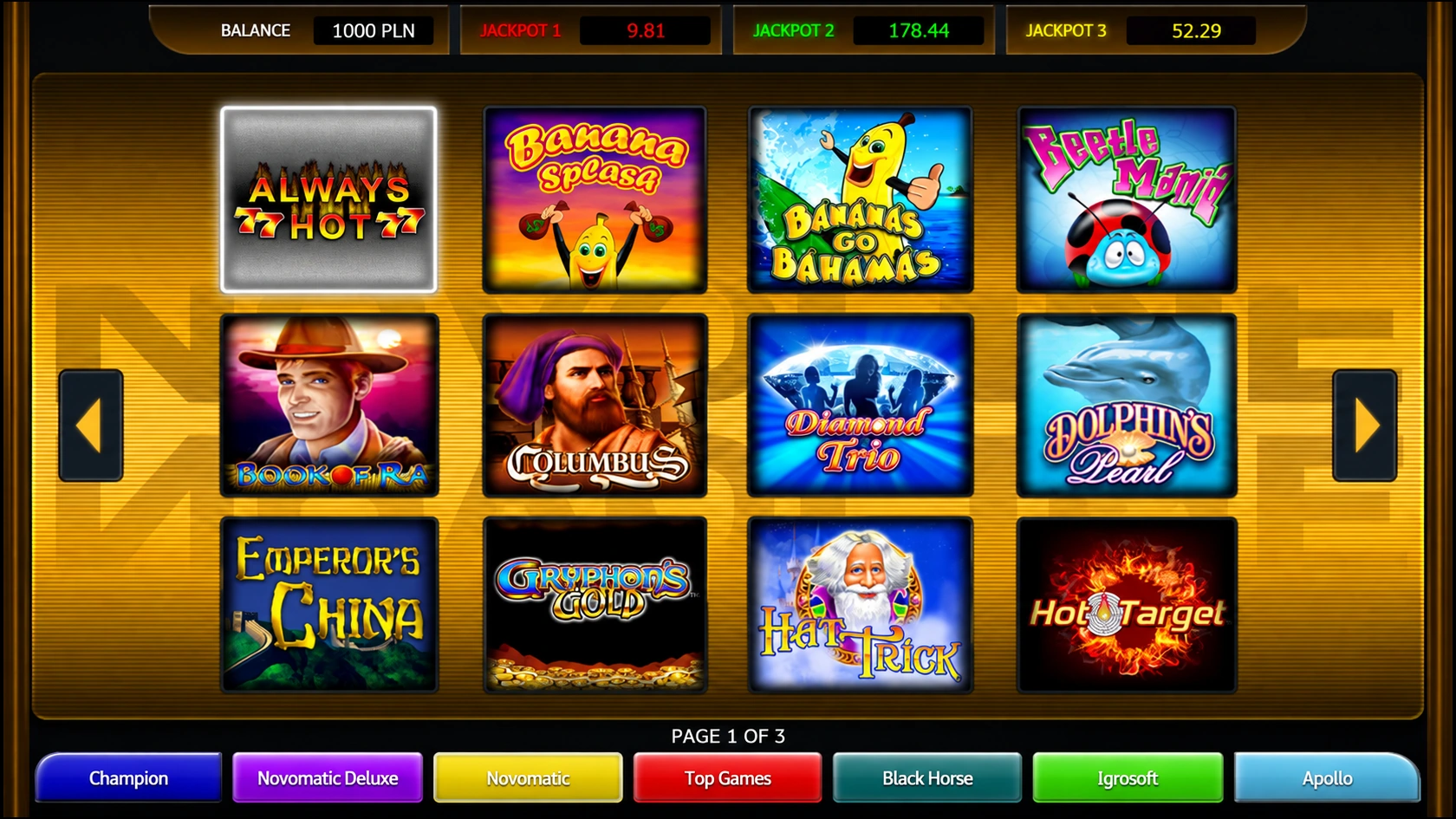
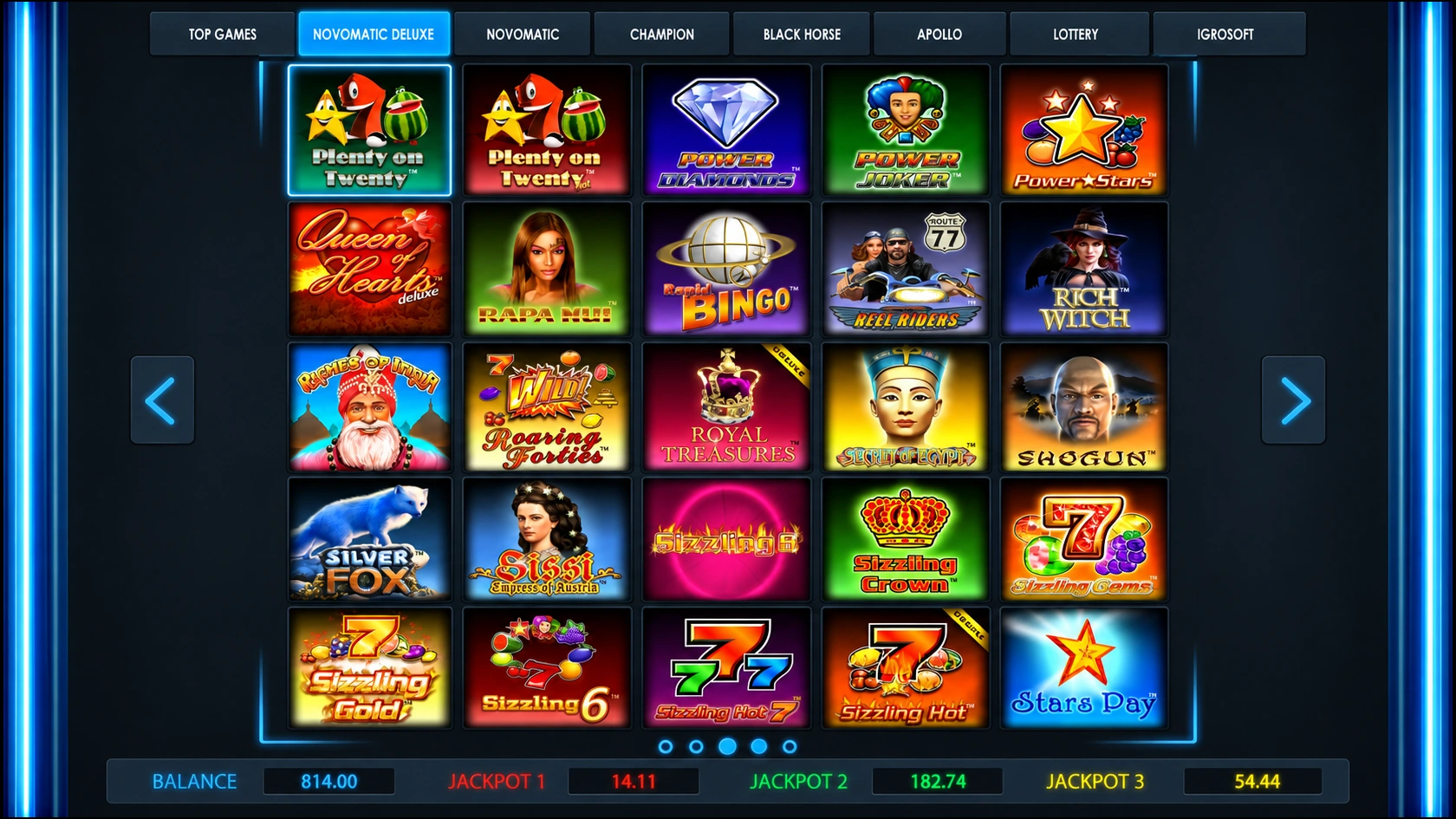
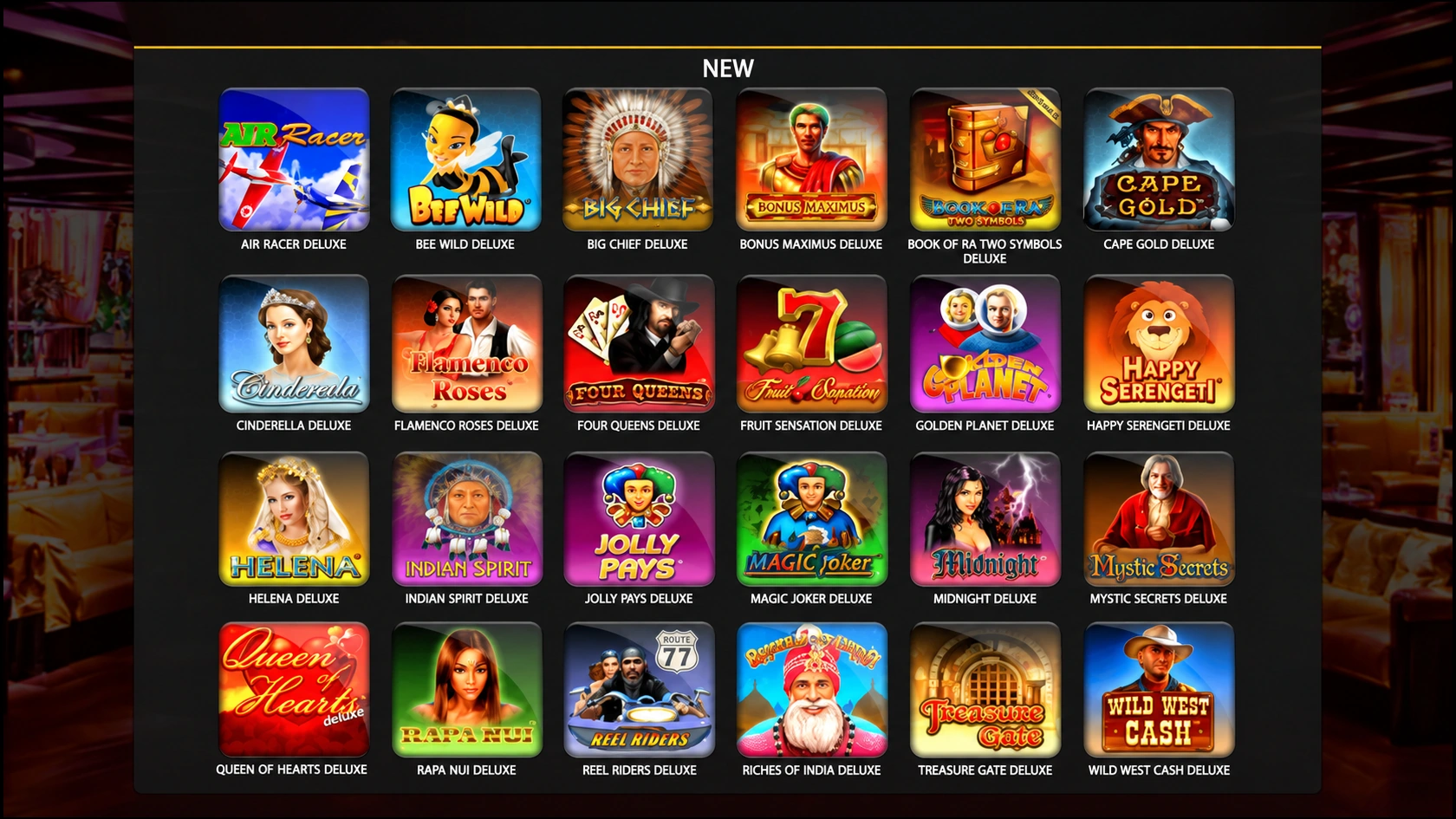
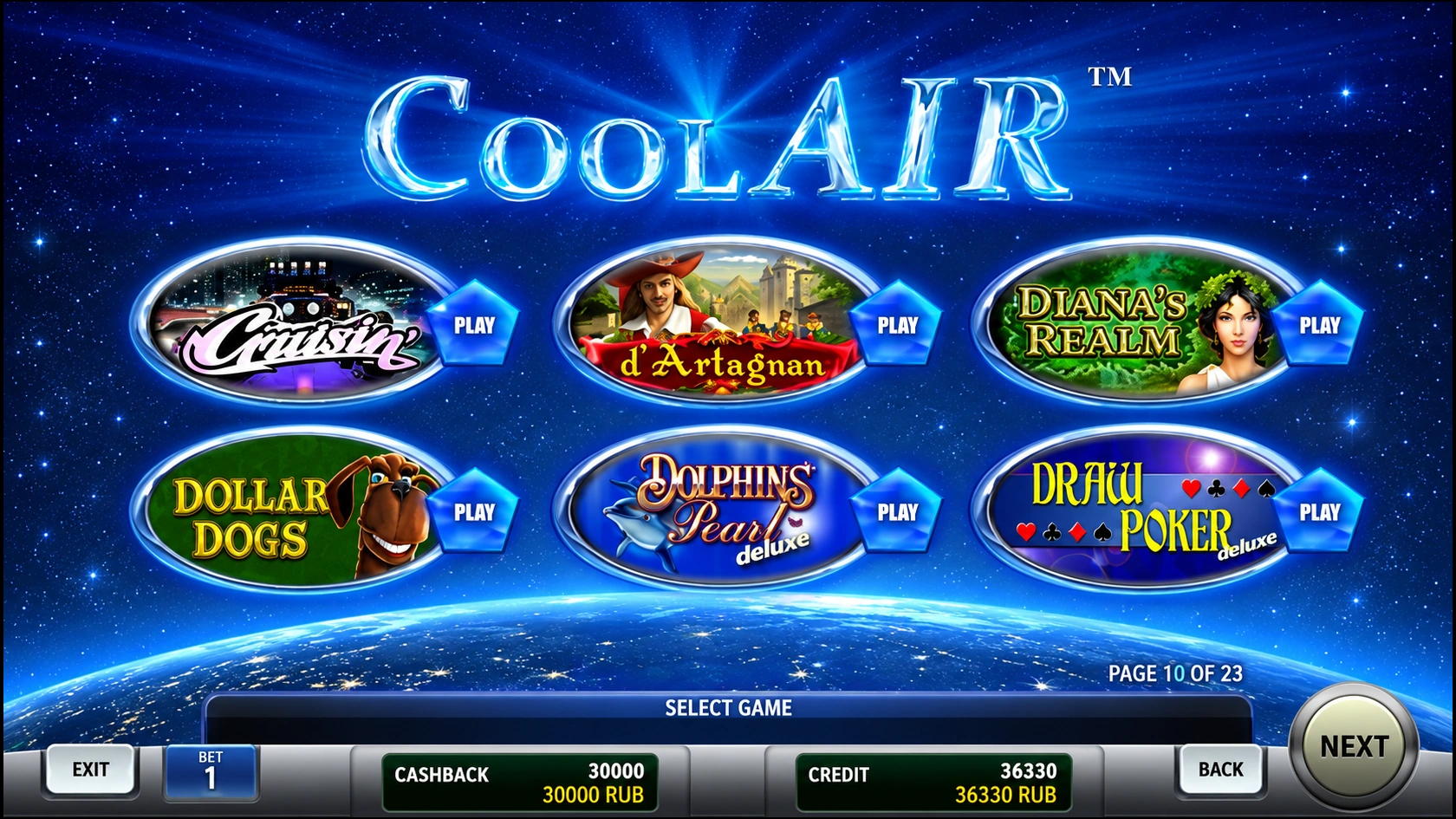
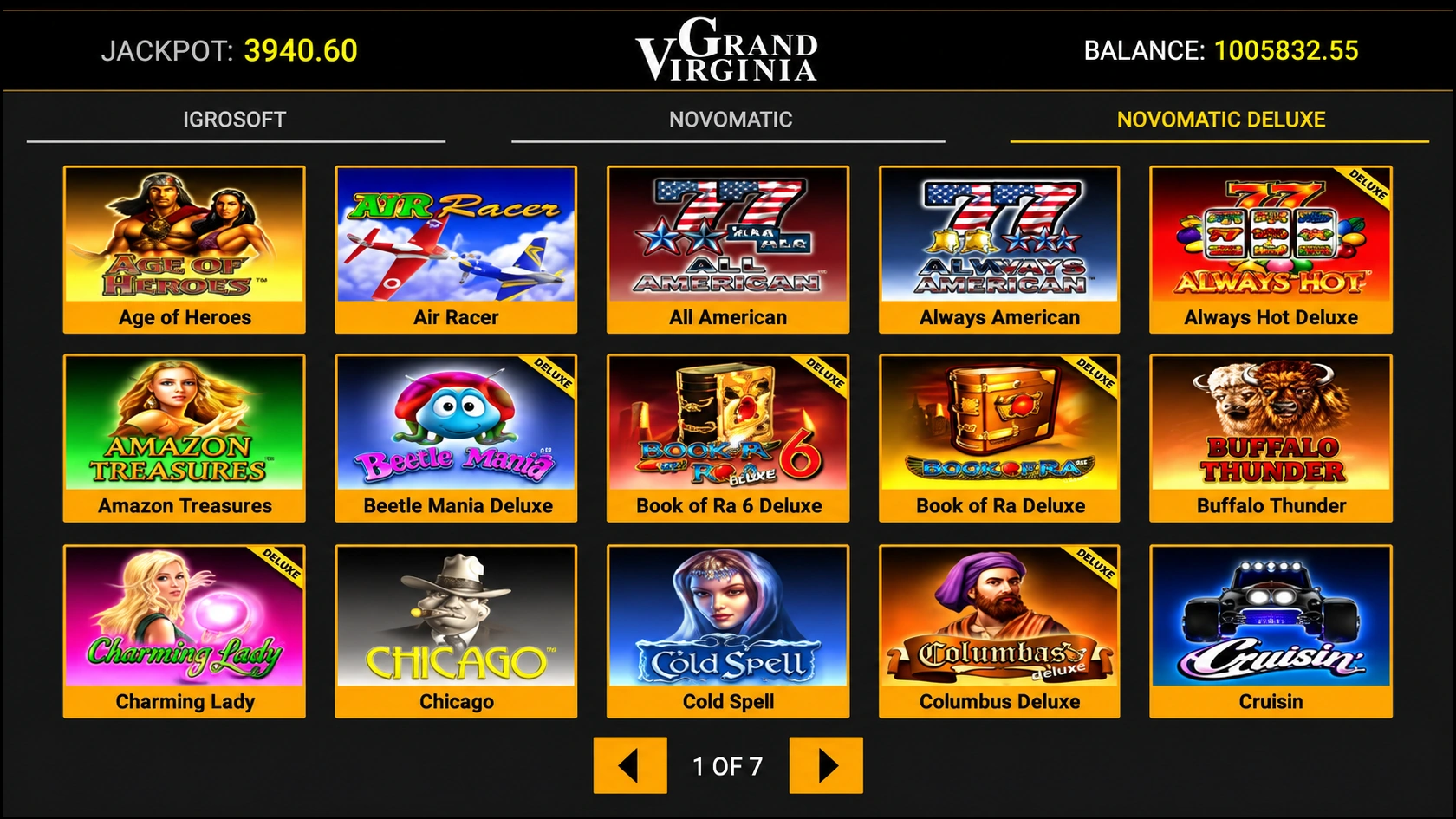
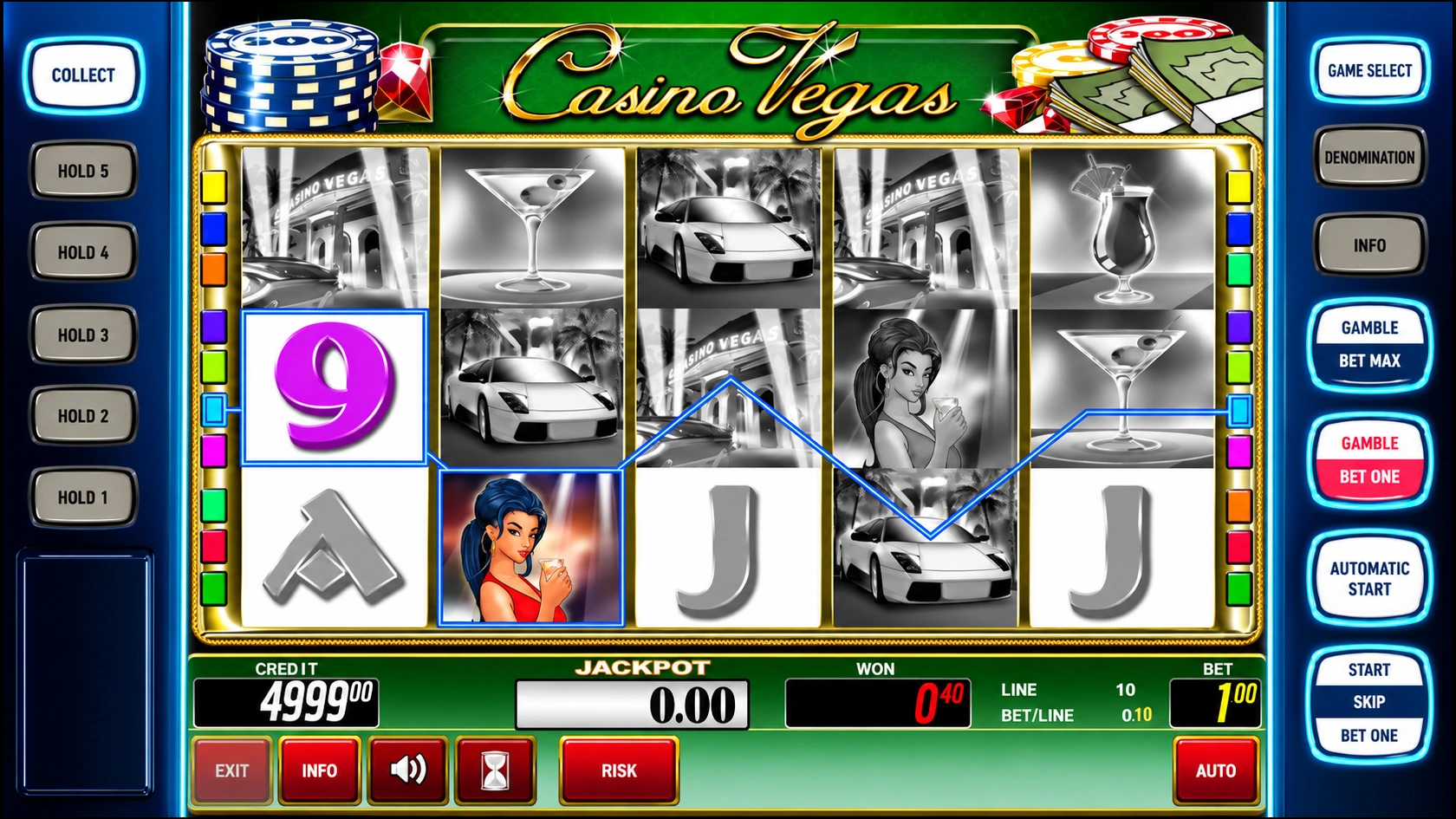
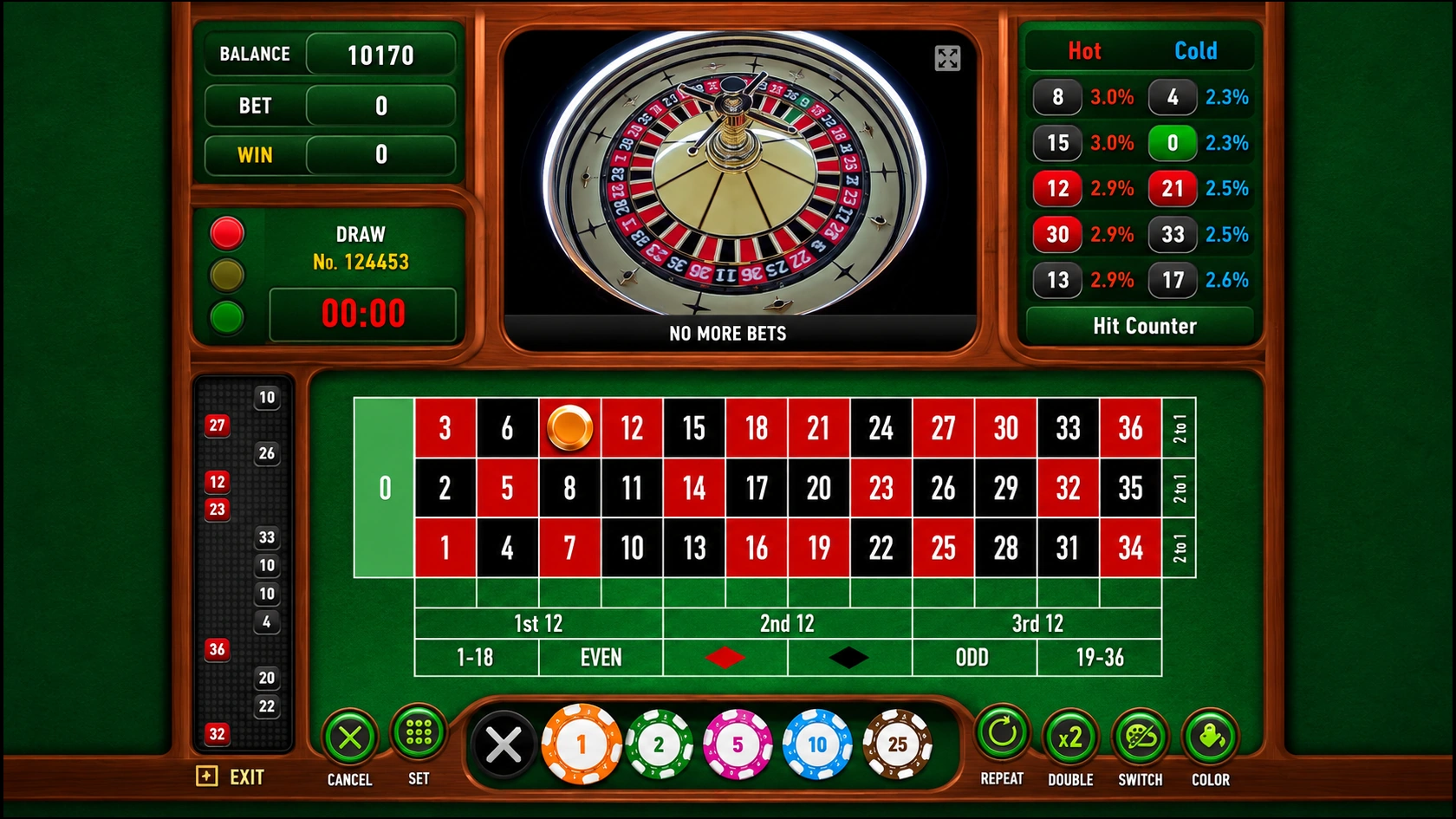
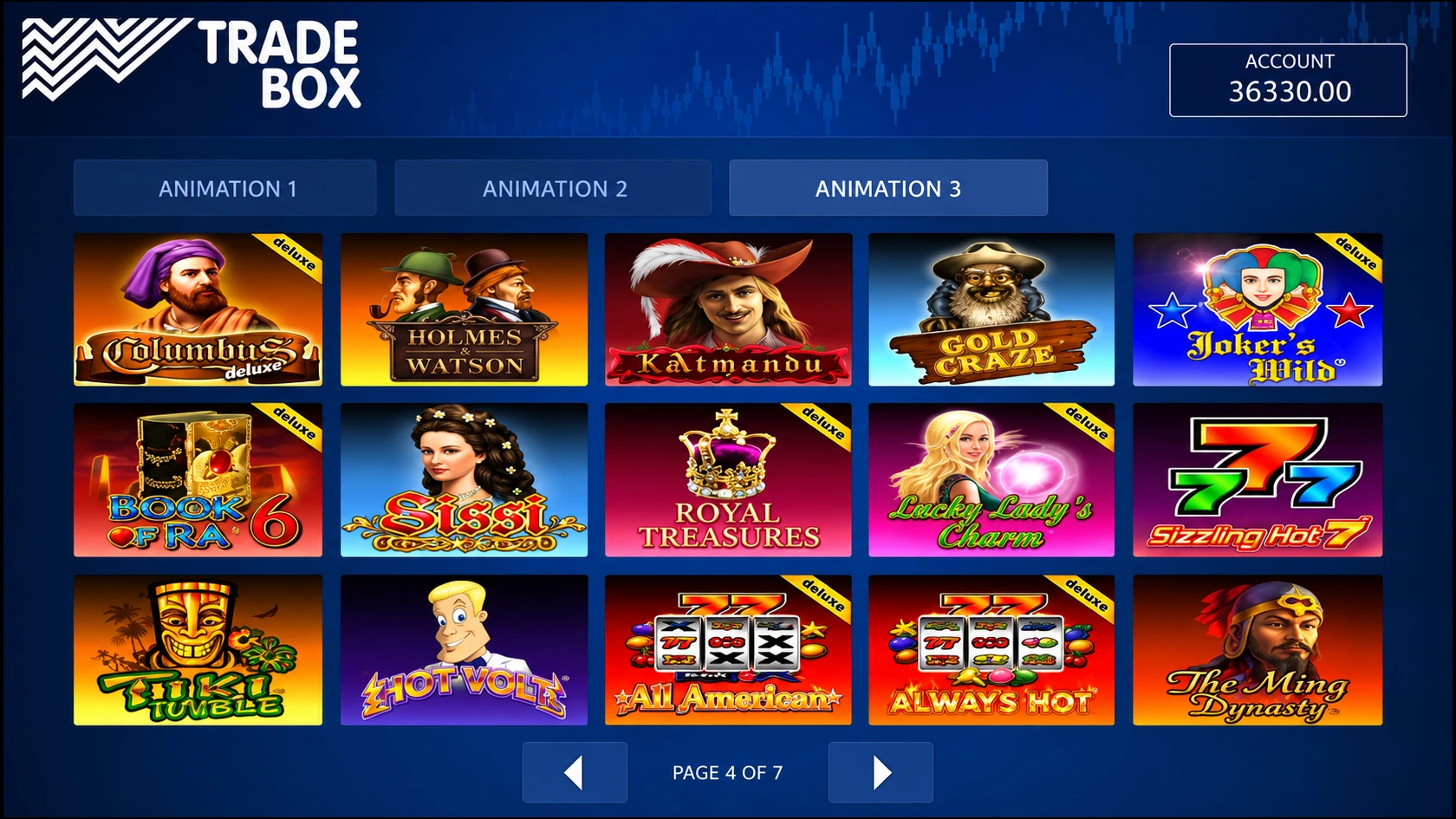
CoolAir's overall offering for land-based venues includes more than 200 casino games. It covers the Gaminator, Novomatic, Apollo Games, Black Horse and Champion Casino lines. The figure describes the offering as a whole.
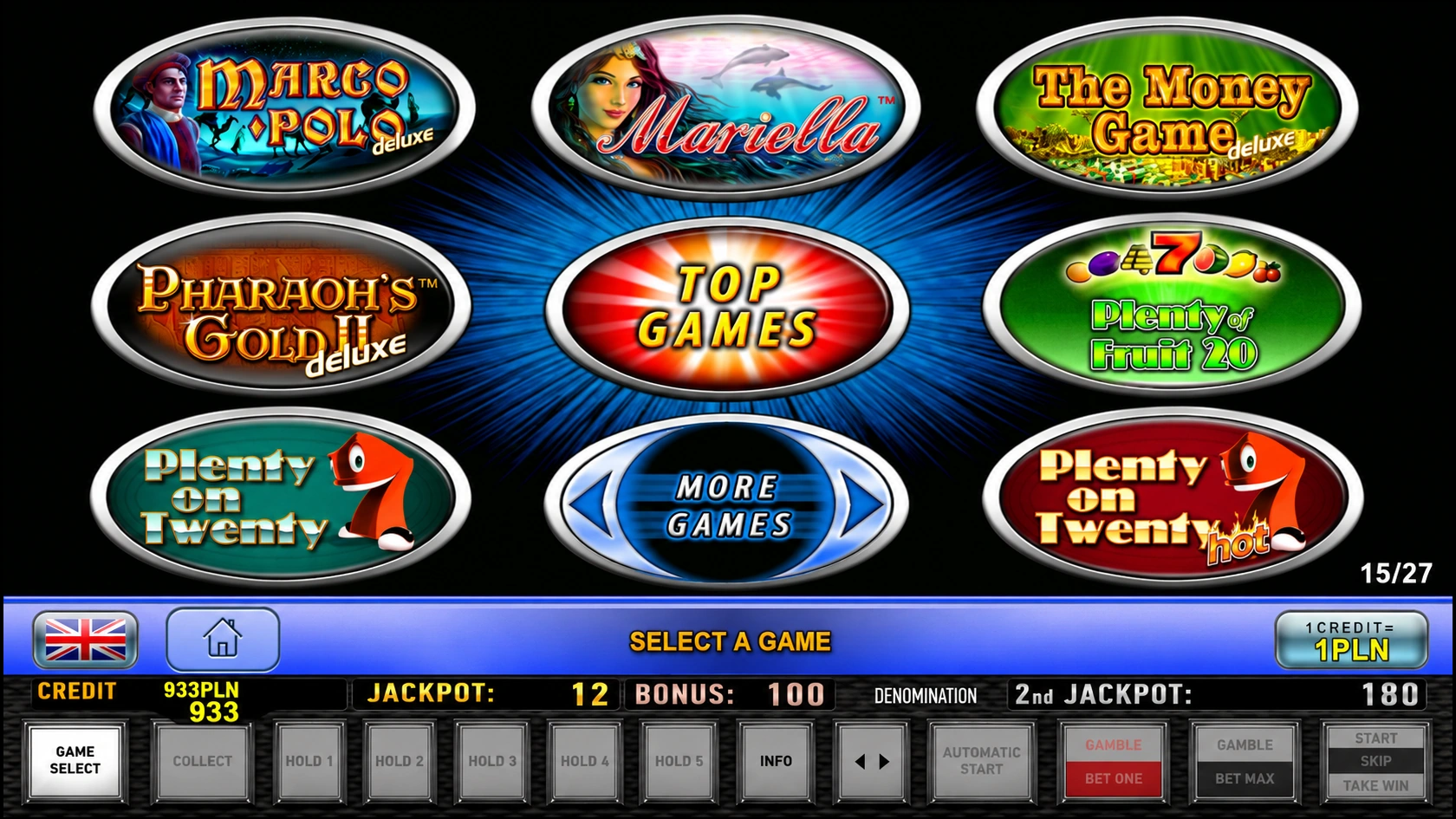
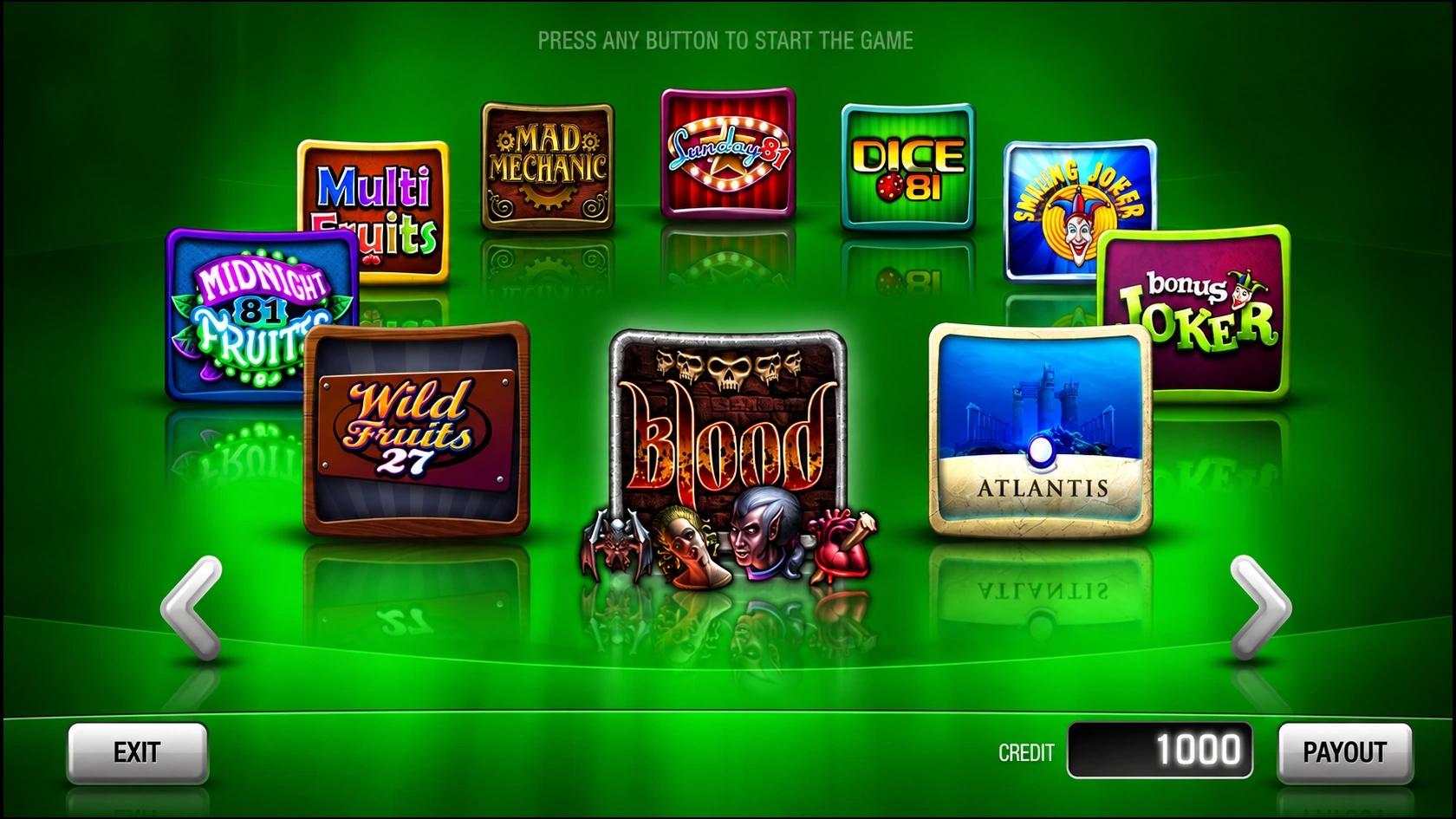
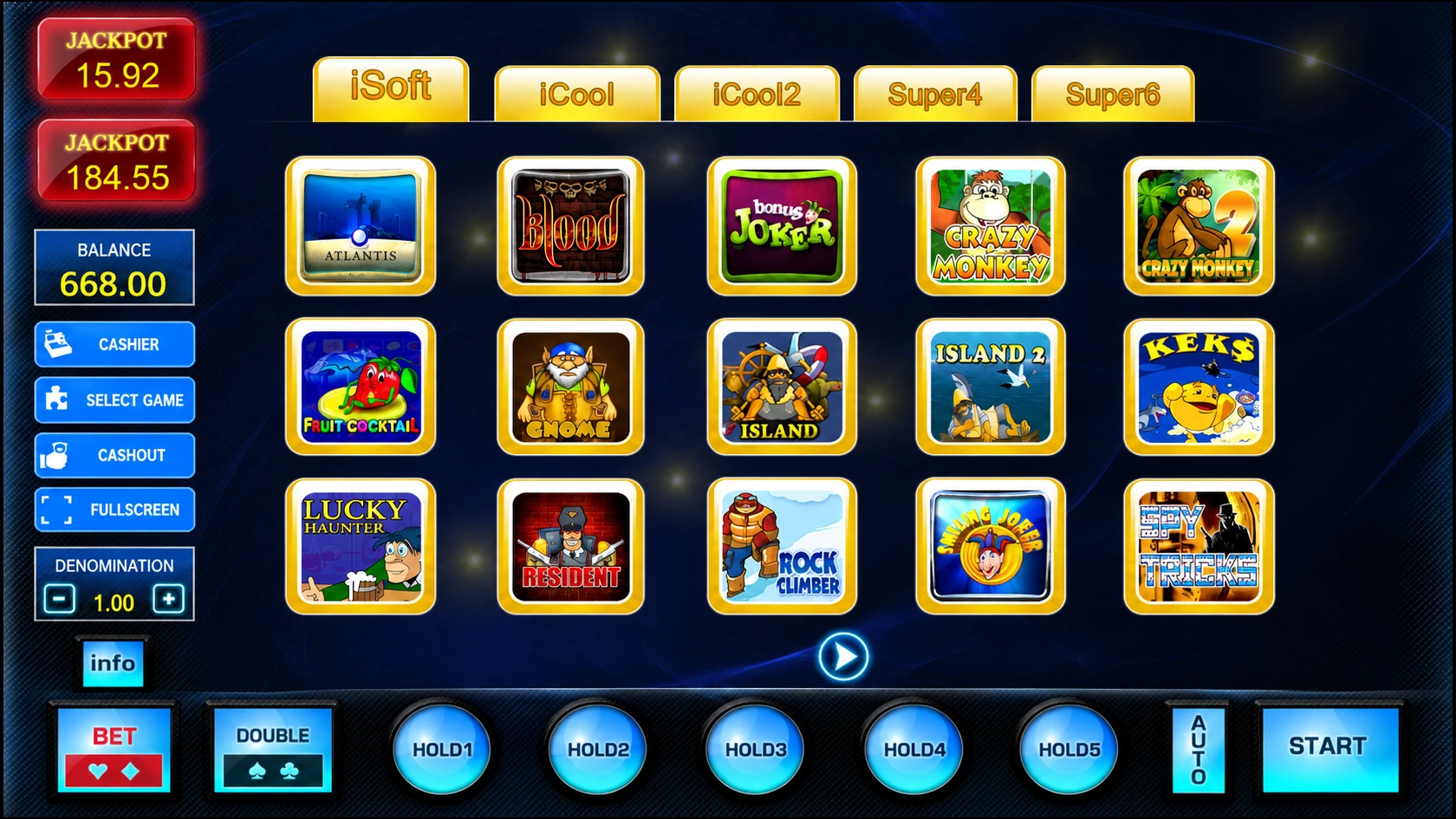
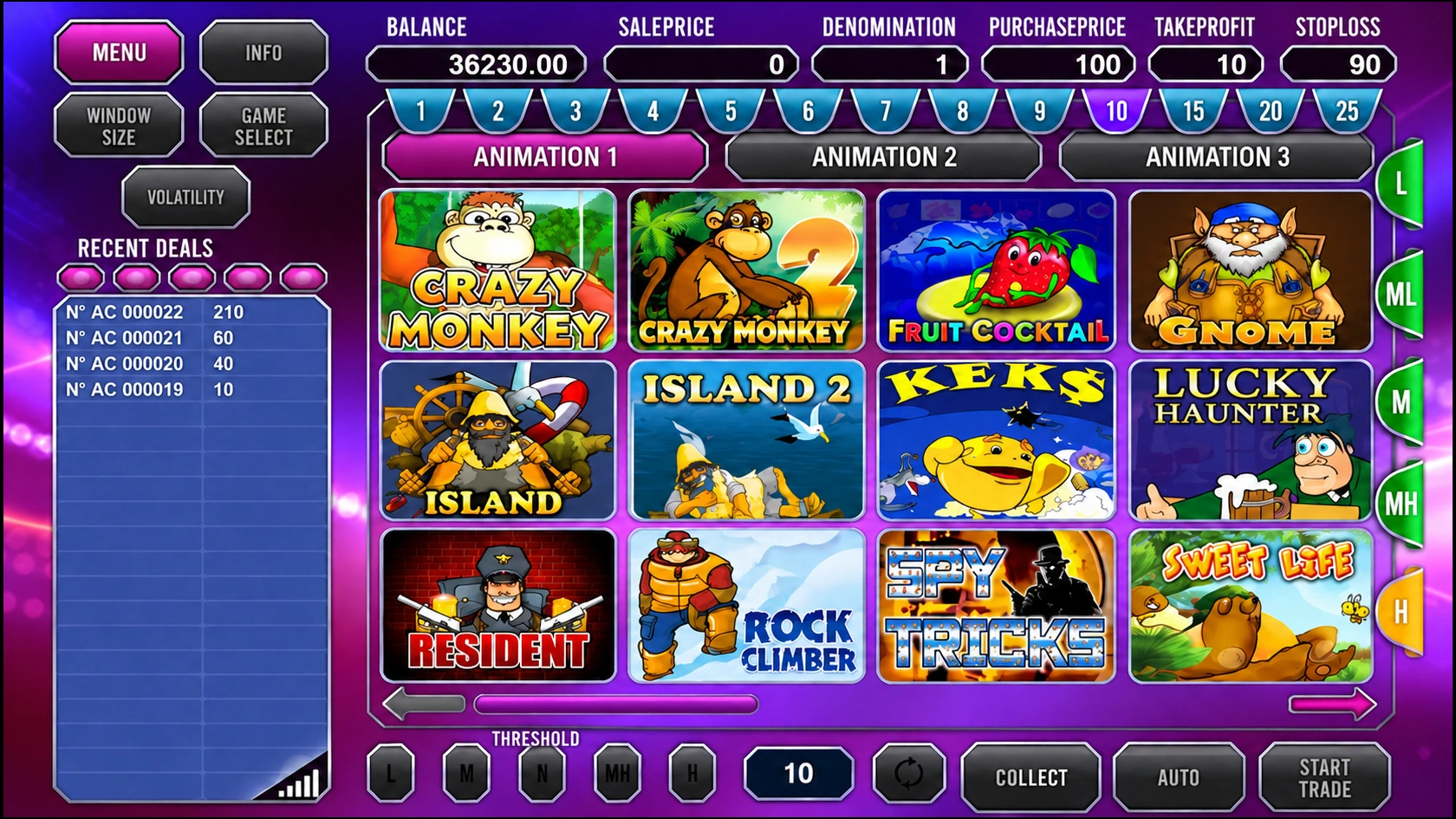
With the Linux client, a single gaming terminal can offer multiple slot game titles from one installed package.
Turning the catalogue into a shortlist
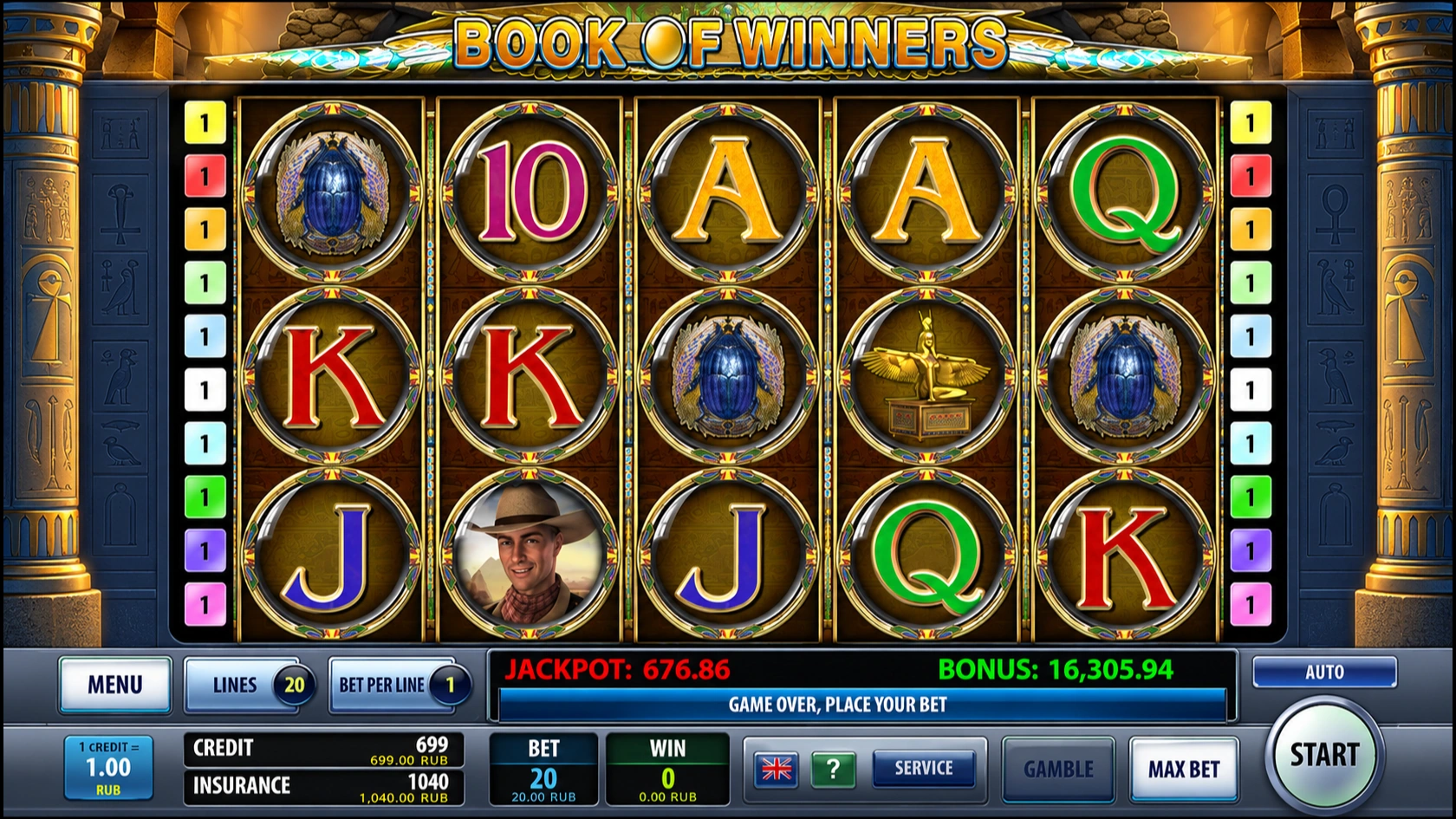
Classic slot software often uses three reels with traditional symbols such as fruit or sevens. A video slot may use a different reel layout and add a feature such as free spins, which changes how a round plays. Use that difference to group slot games before comparing catalogue systems.
Take a hypothetical owner with two halls who wants one particular Novomatic title. The first hall treats it as essential, because regulars ask for it, so the owner writes the title and says no substitute will do. The second hall cares more about having a similar style of game, so the owner names two or three acceptable alternatives there.
Asking about the proposal
A system page describes the system in general, while the package proposed for your hall is a narrower matter. When the proposal arrives, ask the CoolAir team to confirm in writing whether your required title is in that package, and whether each alternative is. Their answer tells you whether the system fits the hall as proposed.
Volatility: how games with equal RTP differ
Volatility describes how often a game pays and how large the prizes are. Low volatility games typically pay smaller wins more often. High volatility games can pay larger wins less often. The game's mathematical model sets both volatility and theoretical RTP. So two titles with the same theoretical RTP can still pay out in different patterns. When you compare titles, ask for the volatility profile of each one alongside its RTP.
Two formats: Linux client and Web Slot
The first format is a client installed on Linux, which contains the games of the package. The second is Web Slot, a fully online system that runs in the browser, so there is no client to install. Web Slot has the same number of games as the Linux client and the same settings.
Linux client
Install on each terminal.
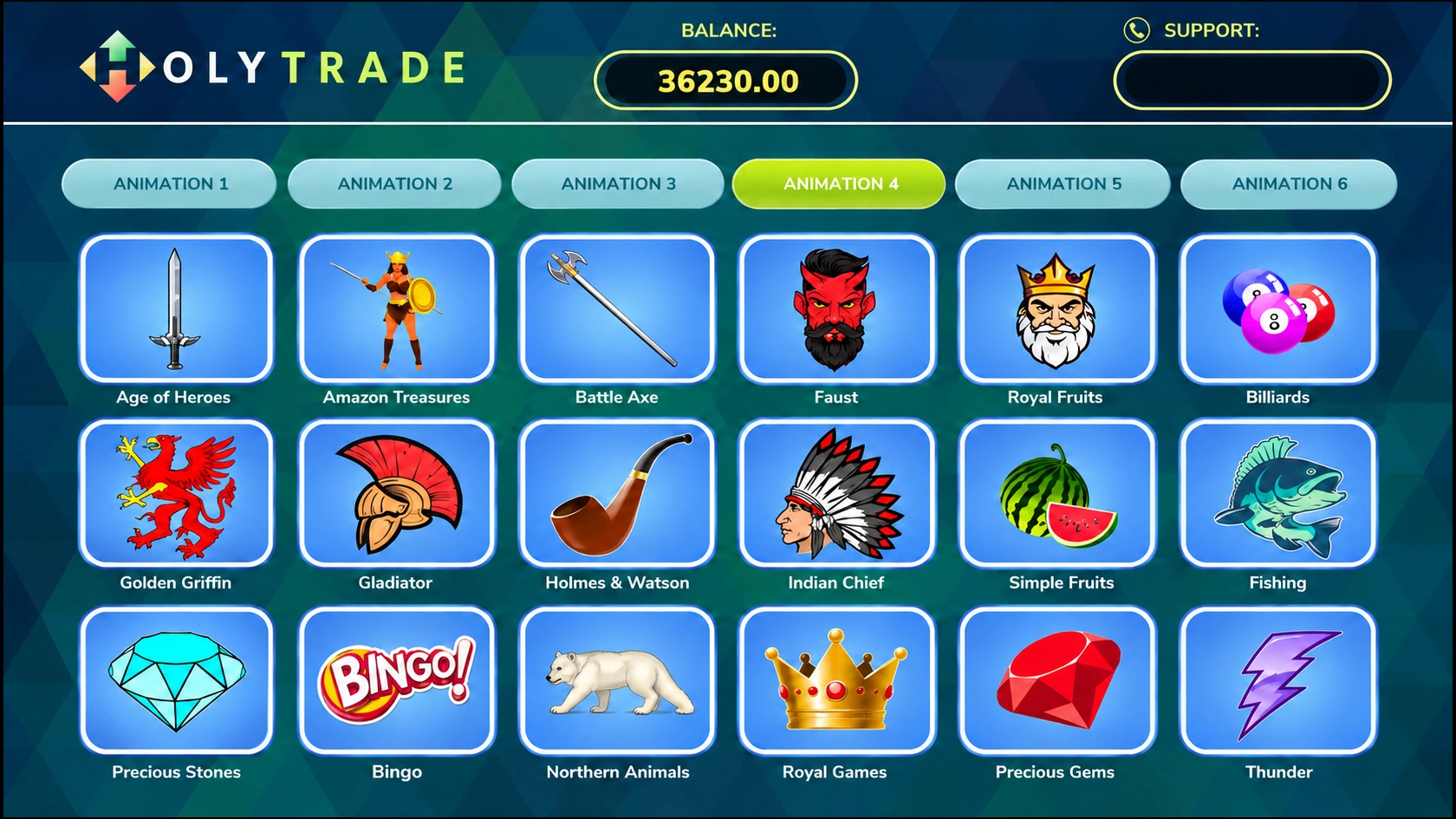
Choose a lobby design by region or preferred look. CoolAir configures it.
Web Slot
Runs in the browser with no separate client to install.
Same number of games and same settings
Lobby designs for the Linux client
The Linux client comes with several lobby designs. You pick the one that fits the country or region where the hall operates, or the look you prefer, and the CoolAir team configures it. Cost, timing and the extent of changes are open points to raise in the enquiry if they matter.
Installed application or browser system
An installed client goes onto each terminal. With the browser-based system, Web Slot, the hall's terminal opens the online slot games in a browser and needs no separate CoolAir client. Some server-based systems manage game content centrally and send updates to connected terminals. Ask CoolAir how games or updates would reach your terminals in the format you choose.
How to pick a format
Consider the Linux client if you want a package installed on the terminal and a lobby design chosen for your region or taste. Consider Web Slot if you prefer a system that runs in the browser without a separate client.
If you are unsure, write down the setup you expect to operate at each site and the lobby look you want. Then ask the team which options it can assess for each site. A hall owner with several sites can run this exercise once per site, since the terminals at one site may be prepared differently from those at another.
Gaming systems
Gaming system descriptions
Novoline
The unique atmosphere of a casino and established games in your club.
The software supports the peripherals a slot club typically uses: touchscreens, bill acceptors, printers and card readers. It can also be integrated with other cash-handling devices. Include the exact model of each device in your enquiry so CoolAir can check whether it is compatible.
Build the inventory
Organise your inventory data by what each terminal in your hall must do during day-to-day casino operations, such as taking cash, printing paper output or reading cards. Under each task, list the peripheral type, manufacturer and exact model, and mark each device as either installed or planned.
Group identical terminals. A hall with forty identical machines can describe one and give the count. A hall with mixed hardware lists each type separately.
A small inventory as an example
Take two hypothetical terminal types in one hall. Type A, thirty units, has a touchscreen, a bill acceptor and a printer. Type B, ten units, has the same touchscreen and bill acceptor and also a card reader. For each line the owner writes the model identifier, the count, whether the device is already installed or planned and whether it must stay.
Listed side by side, the shared devices are clear, and the printer and the card reader mark the differences between the two lists. The assessment then turns into a set of questions, one per model: can this printer model be used, and can this card reader model be used.
Keep or replace
Mark the devices that must stay and separate them from those you are still choosing. For the first group, send the exact models so the assessment starts from what you own. For the second, send the models you are considering.
Other cash-handling units
If the hall uses a further cash-handling unit, give it its own line. Support is stated for the device classes above, and a separate unit is a separate integration question, so the team needs its make and model to answer.
Control panel for the operator
The hall owner gets a control panel. In it you create subagents first, then the halls that belong to each agent, and configure the settings of each subagent. The same panel lets you adjust return to player (RTP), denomination, cashback and jackpots, and block individual players. There is also a panic button, which can block all agents and all halls at once.
Subagents and halls in practice
As an illustration, an owner works with two subagents, and each has two halls. The owner creates the two subagents, adds each pair of halls under the right one and sets up each subagent separately. The structure mirrors the business, with halls inside agents.
Example
Hall owner
Subagent
Hall
Hall
Subagent
Hall
Hall
Slot software features operators can set
RTP is the percentage of total stakes a game is designed to return as prizes over many plays. It describes the design of the game over the long run and says nothing about a single session. Cashback and jackpots are further settings of the same panel, and how they are set for your halls is worth raising in the discussion.
Blocking a player or all agents and halls
The two blocking controls work at different scales. Blocking an individual player concerns one person. The panic button acts on the whole structure and blocks all agents and all halls at once.
Reports and logs to track performance
For monitoring, the control panel of your casino management system includes built-in financial activity reports, betting reports and logs. Use them to follow money across your halls and track performance.
A workflow for an owner
Set up the hallConsider a hypothetical owner who creates a subagent, adds a hall under it and configures that subagent.
Check the reportsSome weeks later two questions arrive. One concerns the financial activity of the halls, and the other concerns the bets placed. The first points to the financial reports and the second to the betting reports.
Use logs for system eventsIf the owner needs to look into an event in the system, the logs are the place to start.
Before the discussion with CoolAir, decide which of these answers you need most often.
Commercial terms
Connection to the CoolAir system, consultation and technical support services are free of charge.
Within an agreed amountOptional one-week test
When the test endsReview the results
If you continueBuy credits
The one-week test
A one-week test is optional and can be arranged by agreement, within an amount settled in advance. When you discuss it, ask what that amount covers, because the answer shapes what you can try during the week.
Credits and the royalty
If the operator continues after the test, cooperation goes on through the purchase of a credit limit, which means buying credits. This purchase is how partners pay the royalty.
The royalty is a percentage of hold, that is, the difference between deposits and winnings paid out (IN - OUT). The percentage is agreed individually, and turnover is one of the factors in the commercial terms. An owner whose halls sit under different subagents can ask how the arrangement applies across them.
Three decision points
When the week ends, review what the trial showed and write down what is still open. A test answer can be enough to decide which setup to use, while an open device question might keep the owner from choosing. Before continuing, ask the CoolAir team about credit purchases, the period over which hold is calculated and how credits relate to hold. The team can answer all three questions in the conversation.
Planning a test
Consider an operator of a physical hall with printers on every terminal and reporting needed for two subagents. The operator names the one exact printer model and lists the reports each subagent must see. Then the operator asks CoolAir whether the agreed test can cover those items. A printed sample and a report list for each subagent make that check easier.
Before launch, set your test focus by asking whether the one-week test can cover gameplay on the terminal setup you plan to use in your hall.
A practical list for the conversation:
the format you are considering and the terminals it would run on
the titles that matter to your hall
the device models you plan to keep
the panel functions and the reports or logs you want to see
Frequently asked questions
Can one terminal offer several slot machine games?
Yes. With the installed Linux package, a single terminal can offer several slot game titles. If your hall needs particular titles, name them in your enquiry.
Does Web Slot require software installation on the terminal?
No. Web Slot is a fully online system that runs in the browser, with no client to install. The Linux format is an installed client containing the game package.
What information is needed to assess whether my existing equipment is compatible?
Send the manufacturer and exact model of each device, such as touchscreens, bill acceptors, printers and card readers. CoolAir then checks compatibility by model.
What reporting can casino operators use to track performance in physical gaming halls?
The control panel includes built-in financial activity reports, betting reports and logs. Operators can use them to track hall activity.
How much does it cost to connect the slot software to my hall?
Connection to the CoolAir system, consultation and technical support are free of charge. A one-week test can also be arranged within an amount agreed beforehand.
How to send an enquiry
Tell us about your hall using the form below. To prepare a proposal, it helps to know:
how many terminals the hall has and what equipment they use, with peripheral models
which format you need: the Linux client or Web Slot, or whether you would like help choosing
the country and region where the hall operates, so that we can suggest lobby designs
whether you want a one-week test
If you manage halls through subagents, add how many subagents and halls you have. If you plan to keep existing devices, say which ones. Name any title the hall must have.
CoolAir
Tell us about your project
Share a few details and a business email address where we can contact you.